¶ VSCODE 설치
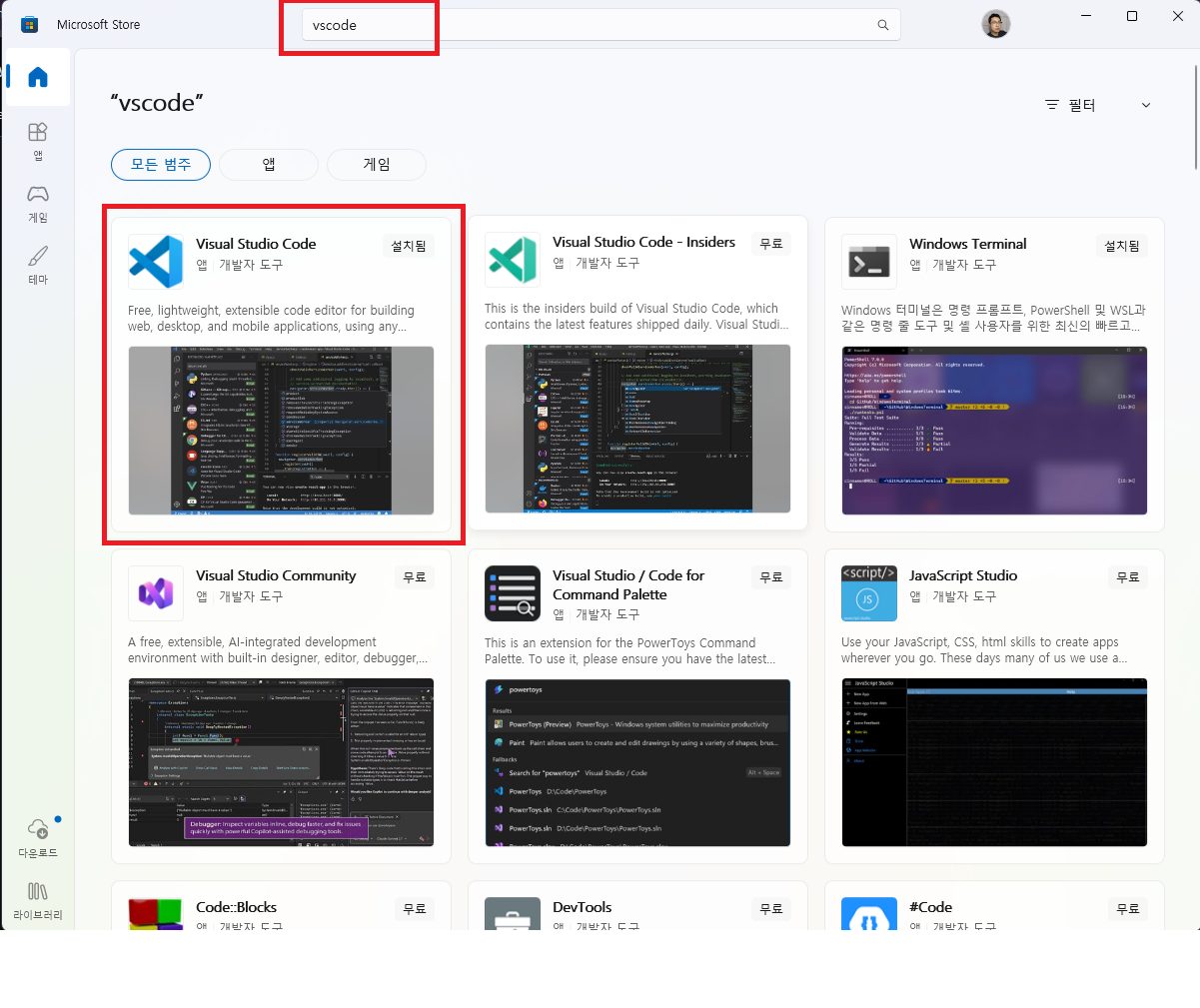
Microsoft Store에서
vscode를 검색하고
Visual Studio Code를 설치하세요
¶ Git 설치
![[Pasted image 20260819013407.png]](/pasted-image-20260819013407.png)
[Install for Windows] 를 눌러서 아래 페이지로 이동합니다.
![[Pasted image 20260819013540.png]](/pasted-image-20260819013540.png)
여기서 [Git for Windows/x64 Setup] 을 클릭하여
![[Pasted image 20260819013619.png]](/pasted-image-20260819013619.png)
바탕화면에 다운로드 받은뒤
![[Pasted image 20260819013703.png]](/pasted-image-20260819013703.png)
[Install]을 눌러서 설치하면 완료입니다.
![[Pasted image 20260819013724.png]](/pasted-image-20260819013724.png)
¶ NVM (Node Version Manager) 설치
![[Pasted image 20260819013918.png]](/pasted-image-20260819013918.png)
설치 하는 방법은
https://www.nvmnode.com/ko/guide/installation.html <-- 여기 참조하세요 (쉬움)